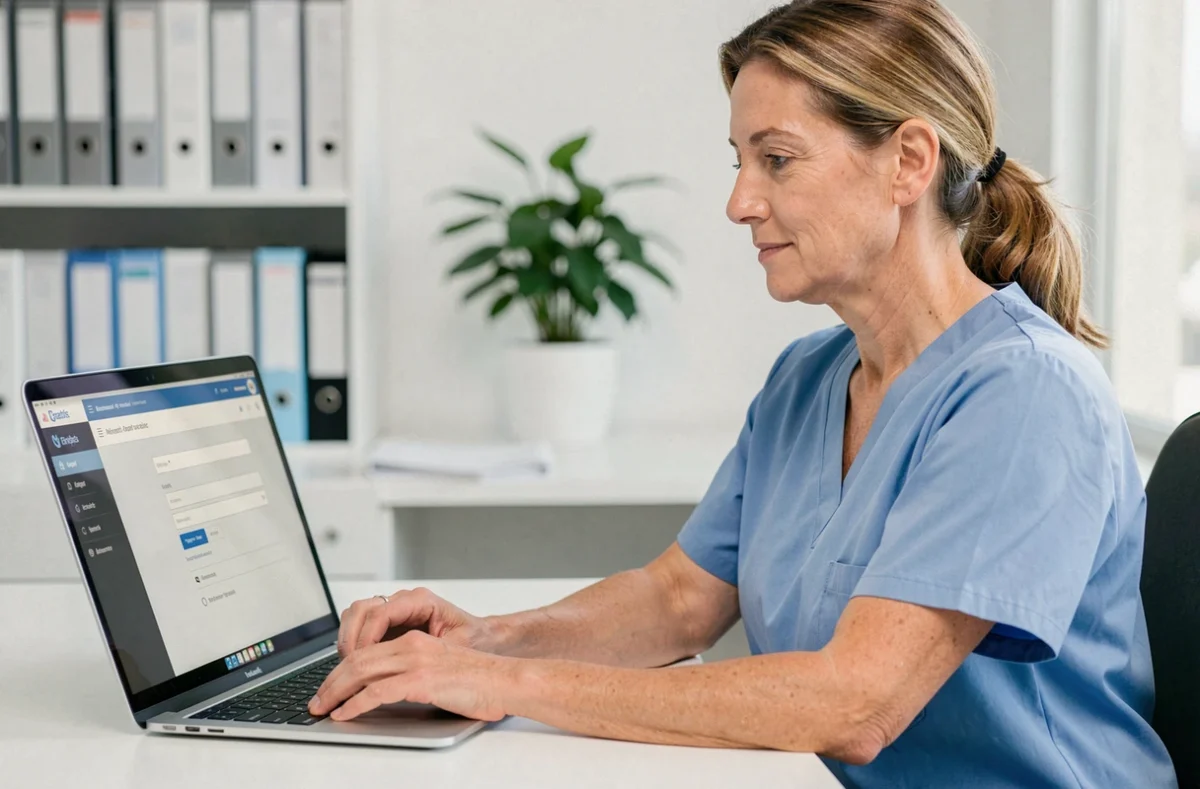
Netsoins is the computerized user file management software (DUI) used in many nursing homes and medico-social establishments in France. Developed by Teranga Software, now Orisha Socialcare, it centralizes care data, resident tracking, and the coordination of care teams. Accessing its workspace is done through a dedicated web portal, C.netsoins, which requires some concrete guidelines for effective use.
C.netsoins: a web portal without software installation
Unlike some business tools that require a program installed on each workstation, Netsoins operates entirely through an internet browser. Specifically, the establishment has a unique connection URL for its structure. This address leads directly to the authentication page, without any prior download.
This 100% web architecture means that connection is possible from a desktop, laptop, or tablet. The only prerequisite is an up-to-date browser and a stable network connection. For professionals who alternate between multiple workstations within the establishment, this significantly simplifies access to the resident file.
Teams discovering the connection mode for Netsoins find the same interface every time they log in, regardless of the device used, which reduces the adaptation time during changes in position or service.
Netsoins username and password: practical obstacles
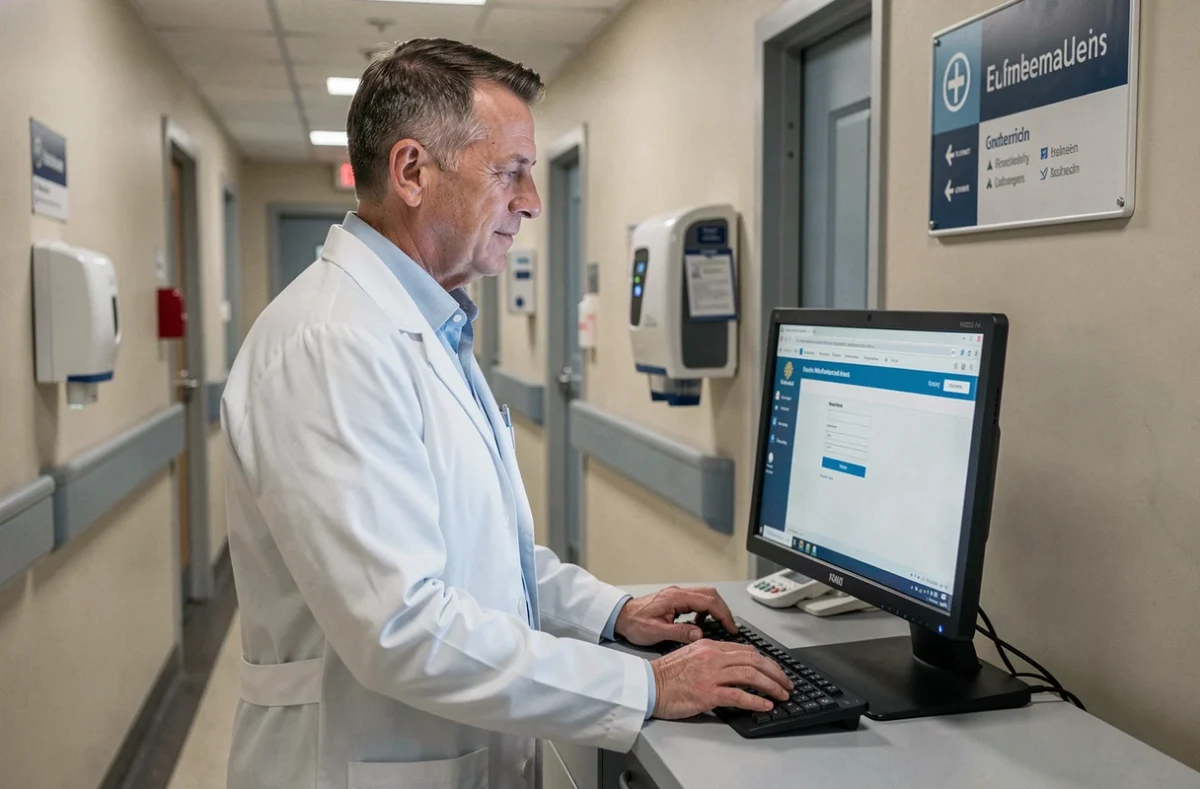
The login page features two fields: username and password. The principle is classic. What is less so is the daily management of these accesses in a nursing home where staff turnover is high, replacements are frequent, and multiple professional profiles coexist.
Creation and assignment of usernames
Usernames are generally created by the establishment’s administrator or the IT referent. Each professional receives a personal account linked to their role (nursing assistant, nurse, coordinating doctor, management). This linkage determines access rights: a nursing assistant does not see the same screens as a director.
Have you just arrived at an establishment and do not have your usernames? The reflex is to contact the health manager or the person designated as the Netsoins administrator in your structure directly. Account creation cannot be done independently from the login page.
Resetting a forgotten password
The C.netsoins portal includes a password reset procedure accessible from the login page. Specifically, a dedicated link allows users to initiate recovery without going through technical support. This feature avoids having to mobilize the administrator for each forgetfulness, saving real time in establishments with high turnover.
- Click on the “forgot password” link visible under the login fields
- Provide the email address associated with the account to receive a reset link
- Set a new password while adhering to the security requirements set by the platform
If the provided email does not match any account, no message is sent. In this case, only the administrator can intervene.
Access security and compliance with the Ségur du numérique
Netsoins is officially referenced under the Ségur du numérique in health. This referencing is not just a label: it imposes concrete requirements on how professionals connect and handle health data.
Among the direct consequences for the user on a daily basis, the traceability of each connection is systematic. Every action performed in the software is timestamped and associated with the identifier of the connected professional. Sharing your credentials with a colleague distorts this traceability, with legal implications in case of disputes over a care act.
Hosting of health data
The data transmitted through Netsoins is hosted according to HDS standards (health data hosting) and in compliance with GDPR. For the user, this translates into constraints on the password (minimum length, complexity) and sometimes automatic disconnection after a period of inactivity.
This automatic disconnection often annoys on-duty teams, but it protects access to the resident file when a tablet is left open in a corridor or shared office. It is better to reconnect regularly than to leave access unattended.
Training teams on Netsoins: an often underestimated factor
Technical access to the portal is one thing. Ease of use is another. In medico-social establishments, the diversity of profiles (caregivers, administrative staff, external contributors) creates significant gaps in digital proficiency.
Orisha Socialcare offers training programs tailored to the deployment of the software in ESMS. Several structures report that initial training directly conditions the adoption of the software by the teams. Without support, data entry errors multiply, and professionals circumvent the tool instead of using it.
- Plan a dedicated session for each professional profile (the needs of a nurse are not the same as those of an administrative agent)
- Designate a Netsoins referent within the establishment, capable of answering daily questions
- Organize regular reminders on best practices for secure login and logout
Connecting to Netsoins is not limited to entering a username. It engages the security of the resident file and the reliability of care traceability. Every professional accessing the C.netsoins portal participates in a digital chain of trust, from authentication to the last entry in the patient’s file.